


Terms and Conditions
By providing your phone number, you agree to receive text messages from PC-HELP. Message and data rates may apply. Reply STOP to opt out.
COMPUTER-Phone & credit
repair center
Computer & Phone Repair
Do you spend most of your IT budget on maintaining your current system? Many companies find that constant maintenance eats into their budget for new technology. By outsourcing your IT management to us, you can focus on what you do best--running your business.
Our services
Backup Data Regularly
Before attempting any repair, ensure that you back up important data. This prevents data loss in case something goes wrong.
Start by identifying the specific issue. Is the computer not starting? Is it running slow? Are there error messages? Understanding the problem is the first step to finding a solution.
For desktop computers, ensure that the power cable is securely connected and that the power outlet is working. For laptops, check if the battery is charged or if the power adapter is functioning properly.
Viruses and malware can cause a variety of issues. Use a trusted antivirus program to scan and remove any threats.
Ensure your operating system and installed programs are up to date. Updates often include bug fixes and performance improvements.
Remove any software that you no longer use or that may be causing conflicts. This can free up space and improve system performance.
You will find the latest information about us on this page. Our company is constantly evolving and growing. We provide wide range of services. Our mission is to provide best solution that helps everyone. If you want to contact us...
Top Reasons Why Choose Us!
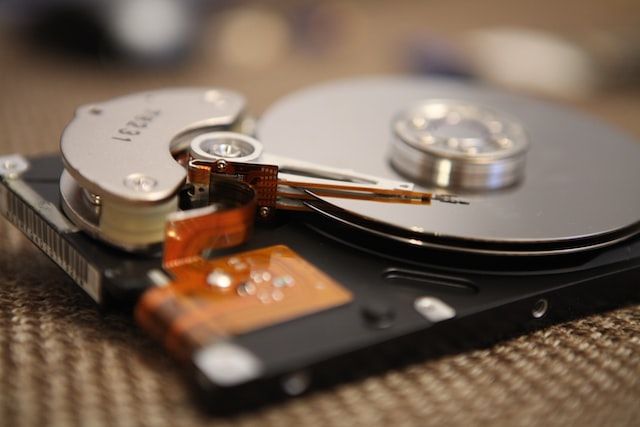
Quality
Overheating can cause system instability. Make sure fans are working and the vents are not blocked. Cleaning the inside of the computer can also help
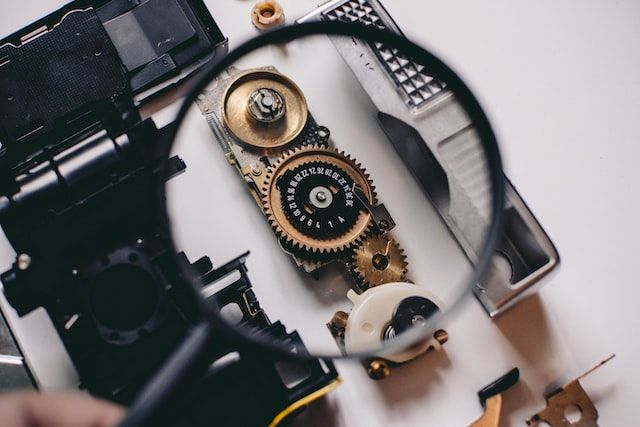
Professional work
Component Replacement: This includes replacing defective parts such as hard drives, RAM, power supplies, motherboards, graphics cards, and more.
Upgrades: Professionals often recommend and install hardware upgrades to improve system performance, like adding more memory or installing a faster processor.
Our customers say about us

Operating System Issues: Resolving issues with operating systems, including installation, configuration, and updates.

Application Problems: Troubleshooting and fixing issues with software applications, including crashes, slow performance, and compatibility problems.

System Analysis: They may analyze system performance, check for errors, and identify any malicious software or corrupt files.